Pastely is the keyboard for the messages you type again and again. Save them once, then paste in any app. No ads. No pop-ups while you type.
iPhone · iOS 16 or later · Works without Full Access · App Store release coming soon
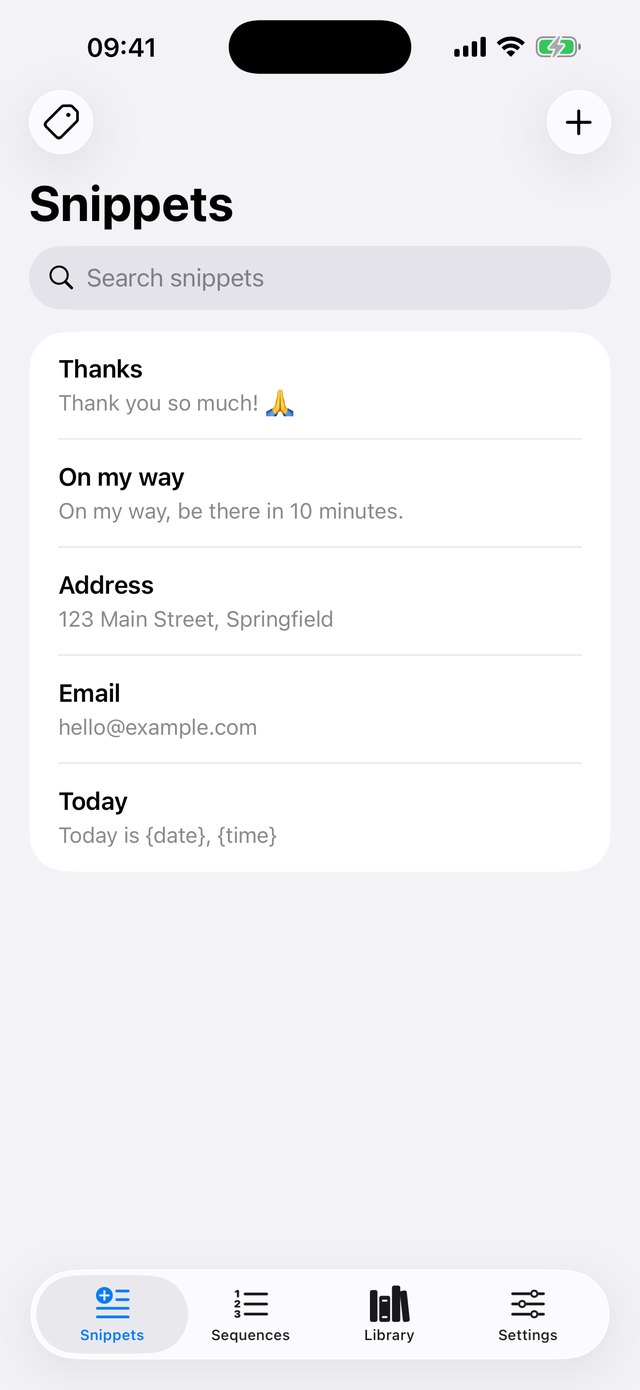
Sellers, support teams, drivers, students, anyone who types the same thing over and over.
Switch to the Pastely keyboard in any app and tap a snippet. It is inserted instantly, with an optional auto send.
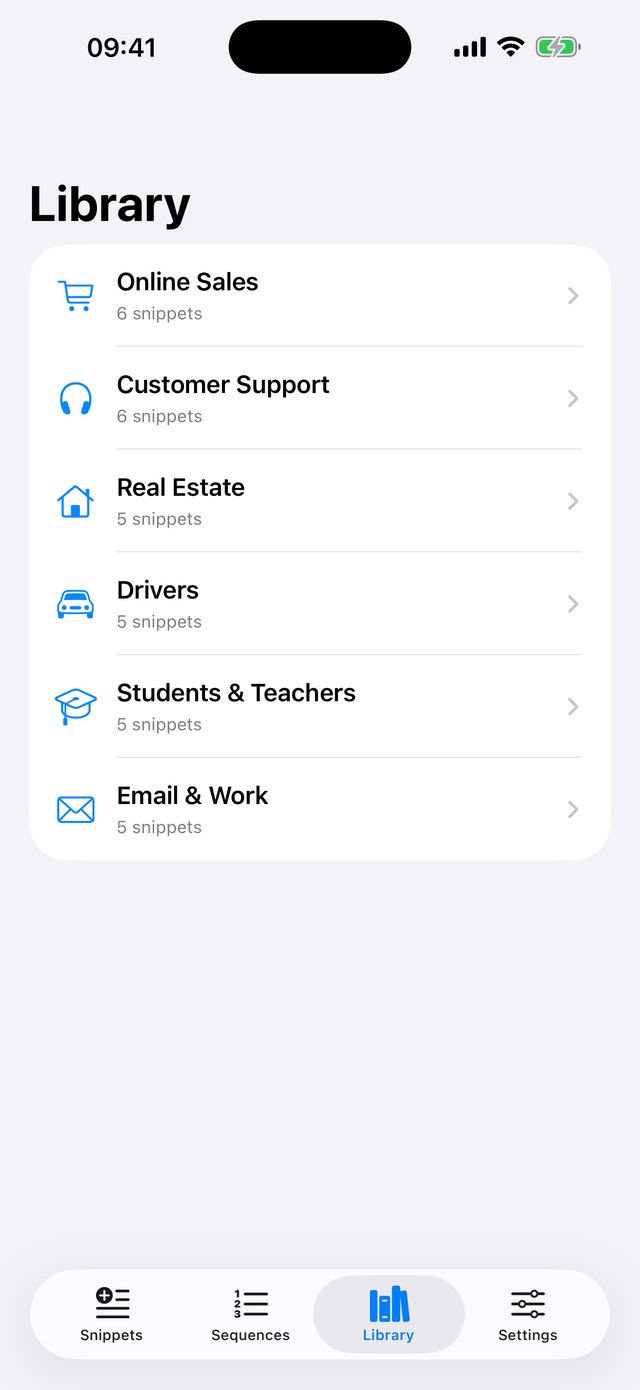
Packs for online sales, customer support, real estate, drivers, students and everyday email.
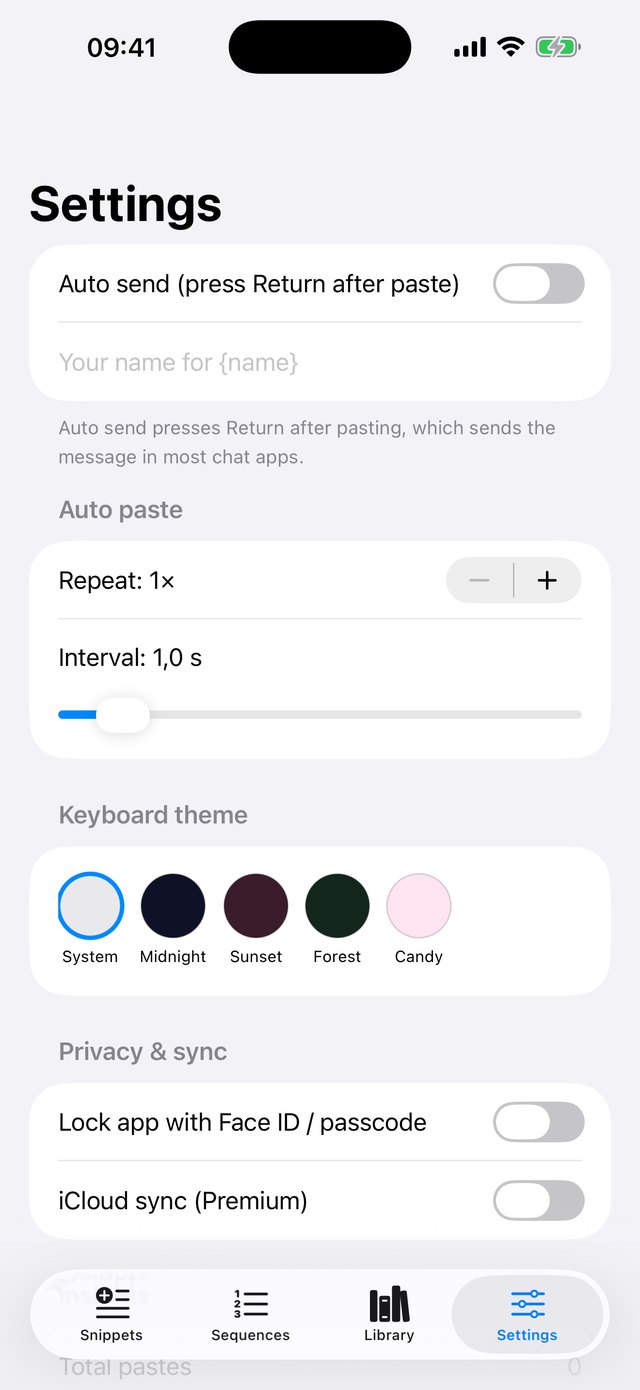
Send a snippet several times at your pace, or chain several snippets and paste them in order.
Keep hundreds of snippets organised. Use {name}, {date} and {time} to personalise each paste.
Pick a keyboard theme and lock the app with Face ID or your passcode.
Keep snippets on all your devices and use them from Siri and Shortcuts.
Snippets, templates and settings, all in a clean native design.
Your snippets are yours. Pastely has no ads, no analytics and no tracking, and it works without Full Access.
Nothing interrupts you while you type, and nothing is sold.
Snippets stay on your iPhone, and in your own iCloud only if you turn sync on.
Open Settings → General → Keyboard → Keyboards → Add New Keyboard and choose Pastely. In any text field, hold the 🌐 key and pick Pastely. The app also has a step-by-step guide.
No. Pastely works without Full Access. It is only needed for optional haptic feedback.
No. The keyboard only inserts the snippets you saved. It does not read, record or send what you type.
Auto send presses Return after pasting. Most chat apps send on Return, but a few use a separate Send button.
Please don't. Auto paste is for legitimate repeated tasks. Do not use Pastely to spam, harass or annoy other people.
Subscriptions are managed by Apple: Settings → your name → Subscriptions → Pastely. Lifetime Premium is a one-time purchase.
 Pastely